Guardian activation
Link a physical SafeLink to your verified account.
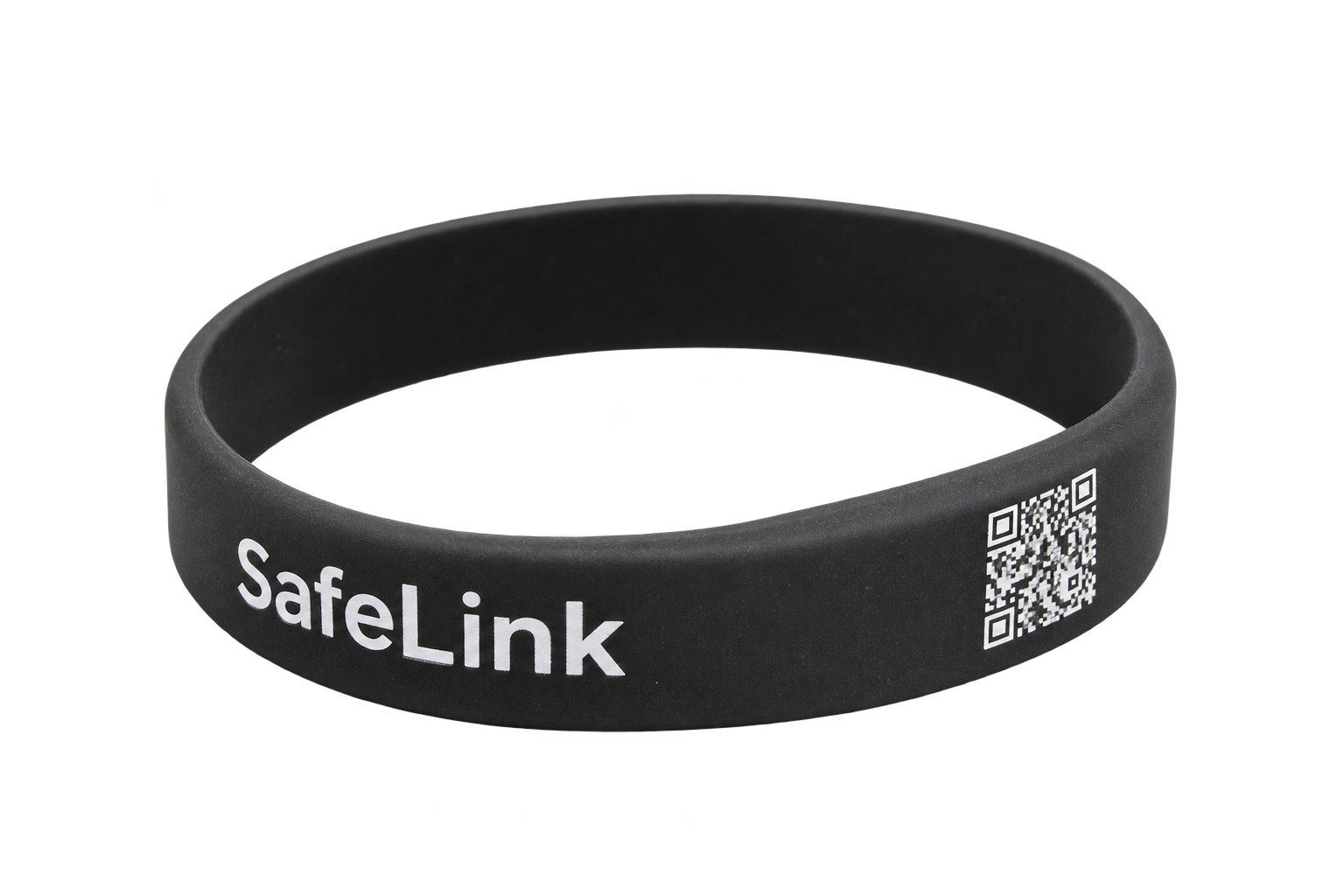
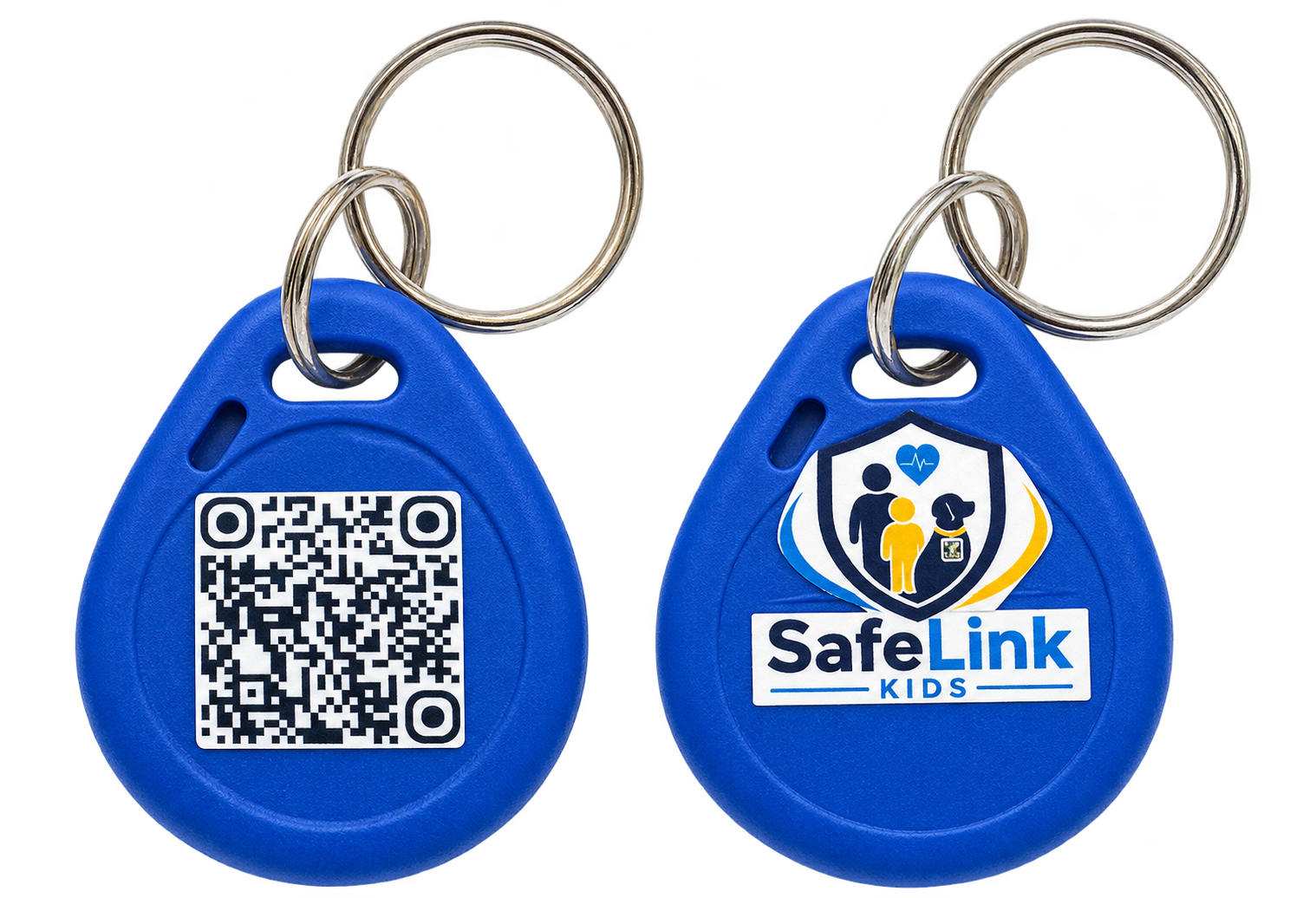
Scan the product QR code or enter its private token, then add a private label only you will recognise.
- 1Scan or enterUse the QR code on the genuine product.
- 2Add a private labelDo not use a full name, school or address.
- 3Activate securelyThe SafeLink is linked to the verified Guardian.
Ready to connect
Activate your SafeLink.
Camera scanning is optional. Manual private-token entry remains available.
Guardian activation
Activate another SafeLink
Use the camera to scan the QR code on the physical product. Manual entry remains available if the camera cannot be used.
Only link a SafeLink you are authorised to manage. Private labels are never shown to Finders.